Setup automatic pen changer
G-Code Creation: [Text] [Barcode] [Image] [Simple shapes] [Grafic tablet] [Jog path] [Extensions]
Workpiece: [Probing] [Height map]
Machine: [grbl setup] [Pen changer setup] [Coordinate systems] | [Laser tools] [Camera] [DIY Control] [Process automation]
back to [Menu]
Process Automation:
Will be updated soon
Three options are available for pen change:

No pen change
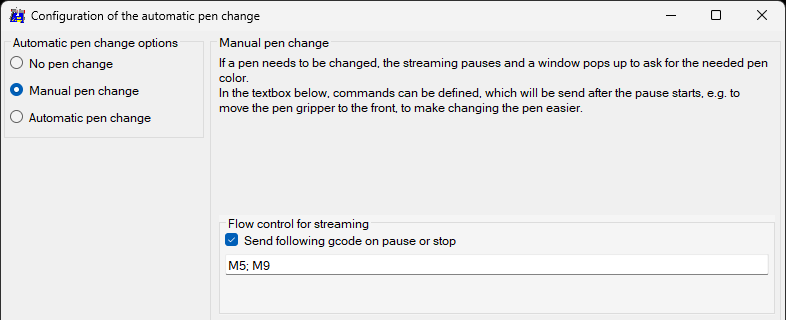
Manual pen change
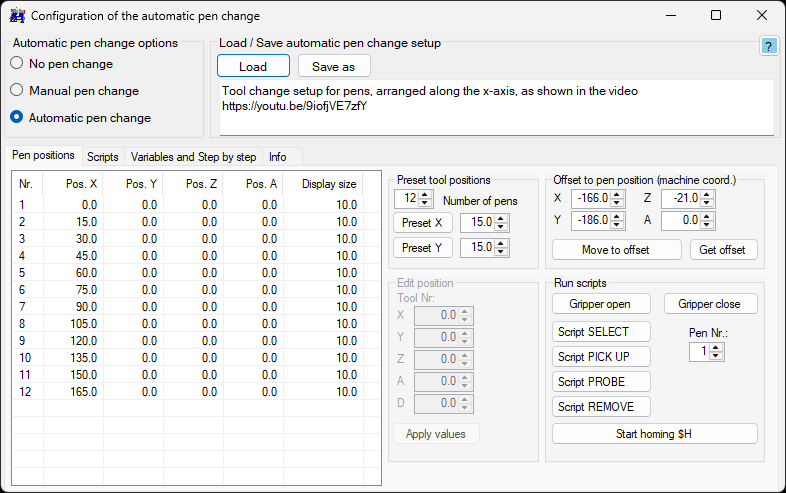
Automatic pen change
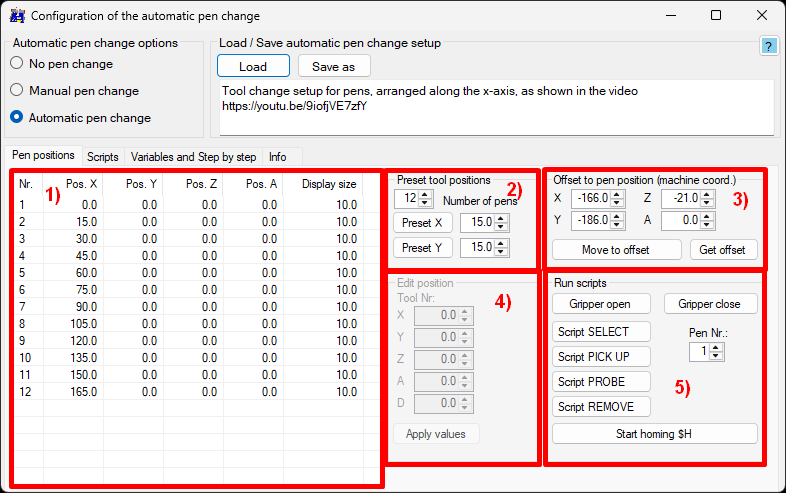
Pen positions
To start from the beginning, do 2) Preset pen positions to fill the 1) pen position list with all available pens in the correct dimension with the needed distances to each other.
The display size will be automatically set by the choosen distance (2/3 of this value).
Select a specific pen in the 1) pen position list, to 4) Edit position.